How Can We Help?
-
App Designer
- Creating an Application
- Layout & Controls
- Pages and Navigation
- Database
- Stylesheets
- Custom Actions
- Text Resource (Run-time) Editor
- Queries
- Application
- Scripts
- Names Editor
- Validation Messages
- Power Queries
- Elements
-
- Sections
- Containers
- Textbox
- Checkbox
- Dropdown
- Radio Button
- Calendar
- File Upload
- Input Grids
- Slider
- Advanced Label
- Output Grid
- Charts
- Maps
- Gauges
- Button Control
- Simple Label
- Show all articles ( 2 ) Collapse Articles
-
- Articles coming soon
-
SpreadsheetWeb Hub
-
Workspaces
-
Tags
-
Applications
-
Data
-
Users
-
API
-
Integrations
-
- Connecting Quoting Applications to HubSpot
- Connecting an Online Calculator to Salesforce
- Automating E-Signature Collection with Make.com
- Uploading Files to Google Drive with Make.com
- Uploading Files to OneDrive with Make.com
- Connecting monday.com Board to a SpreadsheetWeb Application for Backend Calculations
- Formatting Date, Time, and Numeric Values in Make
-
Dashboards
Single Sign-On (SSO) with Okta
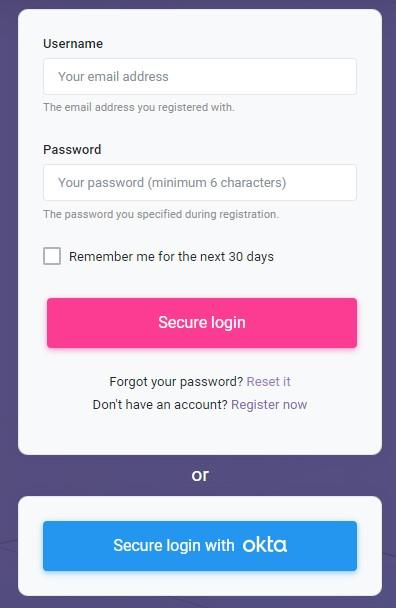
SpreadsheetWeb offers Single Sign-On (SSO) support with Okta. This functionality is only available in select Private Cloud and Server licenses.
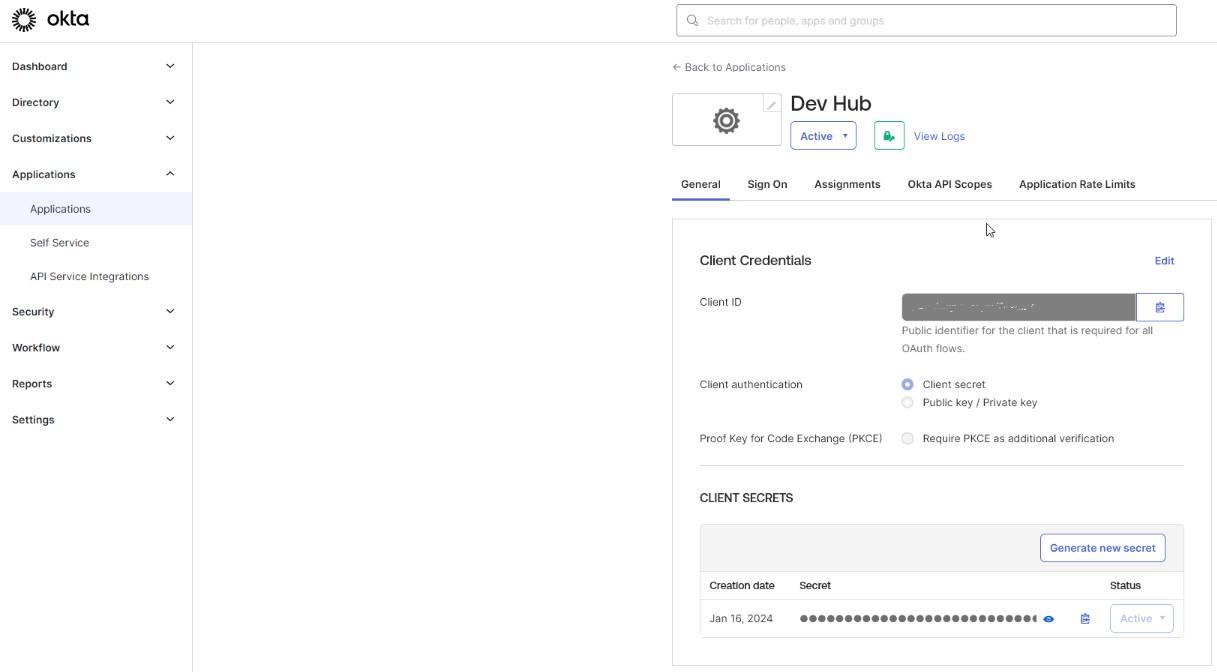
Create a new application in Okta and copy the client credentials:
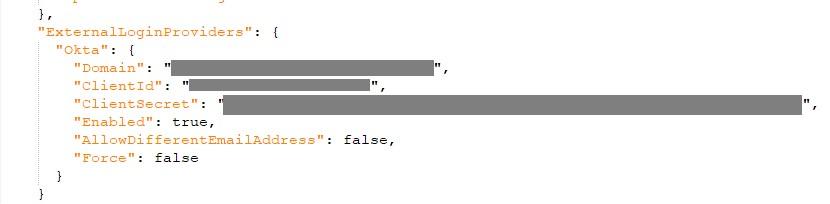
Modify the appsettings.shared.json file by incorporating the Okta configuration settings as illustrated in the following example