Lesson 4 of 9
Legacy platformRecord Status
Clicking on the status name of a record will bring up the Record Status window. The status dialog allows you to change the record status manually, transfer…
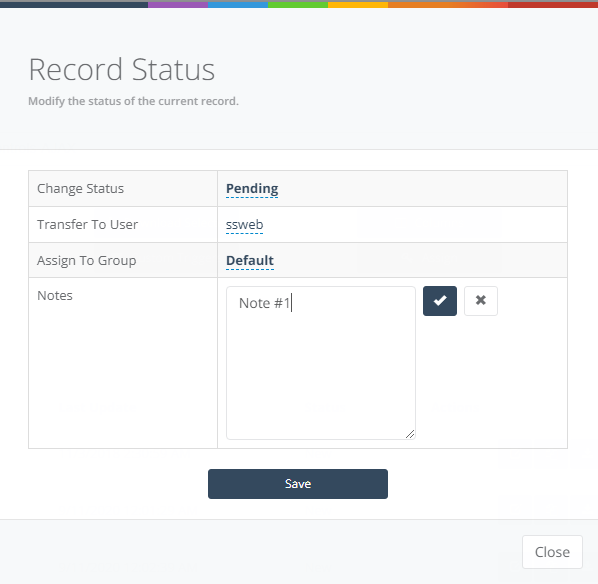
1 min readClicking on the status name of a record will bring up the Record Status window. The status dialog allows you to change the record status manually, transfer this data record to another user/group, and add notes.