Lesson 7 of 9
Legacy platformRecord History
The history window can be accessed by clicking on the calendar icon () under the Actions column. It provides an overview of the events history for a data…
1 min readThe history window can be accessed by clicking on the calendar icon ( ) under the Actions column. It provides an overview of the events history for a data record. The events listed include status changes by users and updates to the record.
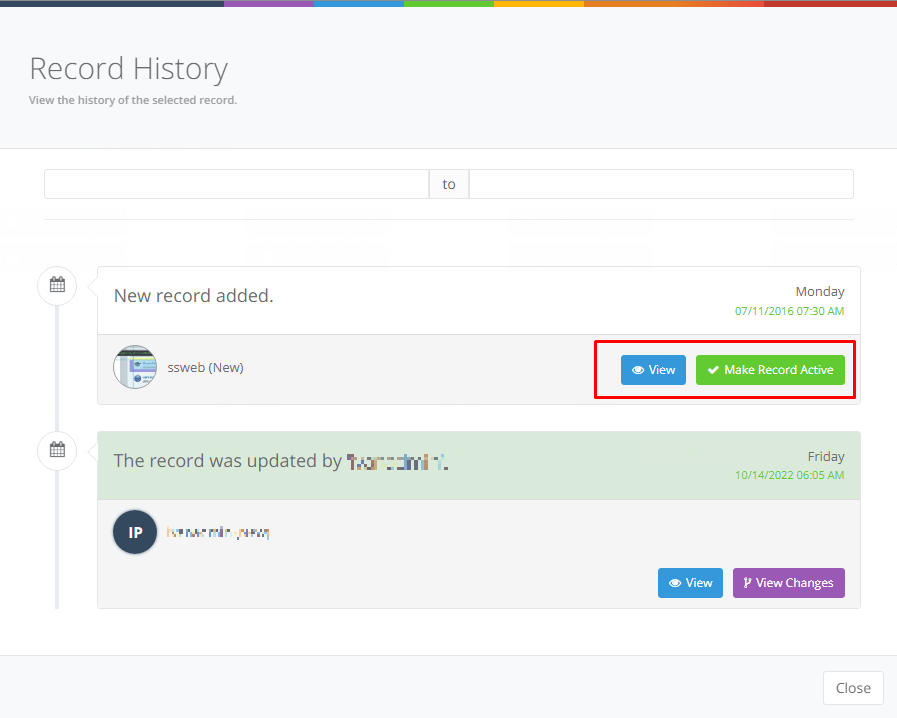
Users can also access previous versions by clicking ‘View’ or revert the active instance to a previous version by clicking ‘Make Record Active’.
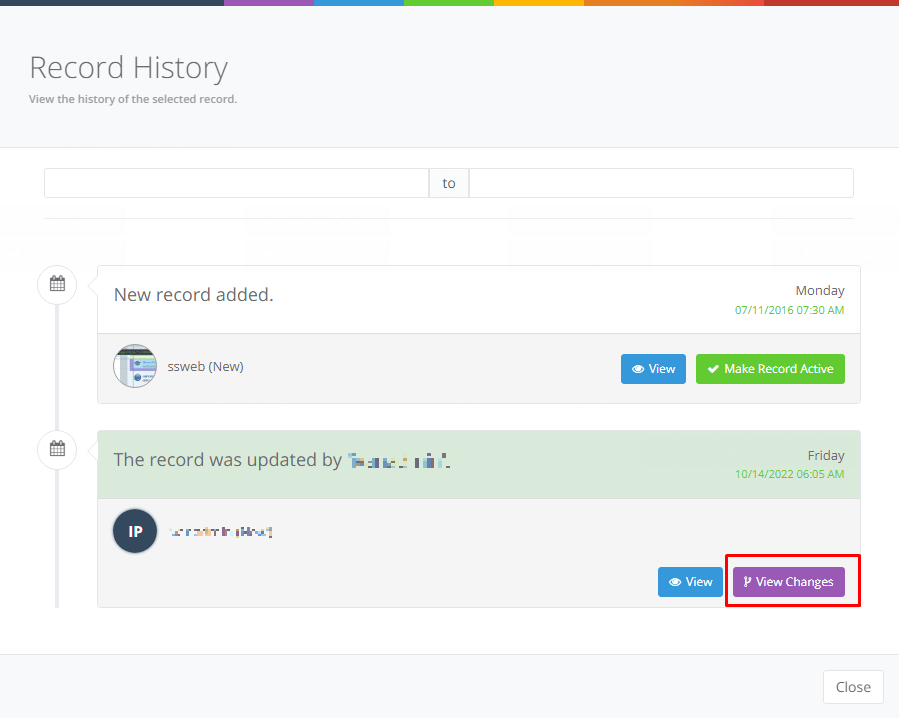
Displaying Changes to a Record
‘View Changes’ feature will compare the selected record version with the previous one; displaying the old and new values of the inputs.