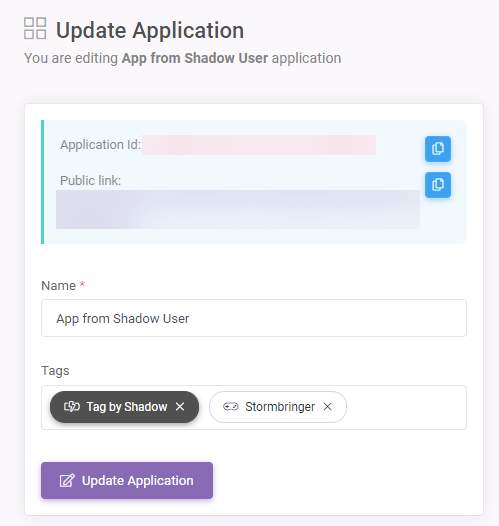
Tags
In SpreadsheetWeb Hub, a Tag is a grouping structure that can represent anything: companies, roles, payment tiers… This is a completely flexible approach,…
In SpreadsheetWeb Hub, a Tag is a grouping structure that can represent anything: companies, roles, payment tiers…
This is a completely flexible approach, so you may design a series of tags that are perfectly suited to your specific requirements.
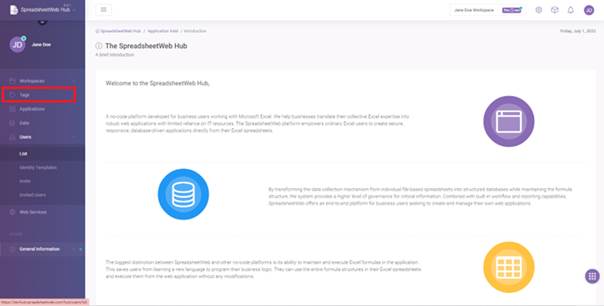
To edit existing tags or to create a new one click on ‘’Tags’’ from the navigation menu.
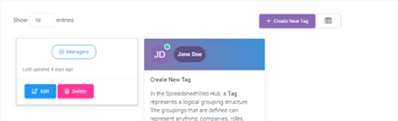
In ‘’Tags’’ page, you will see all created tags. To create a new tag click on ‘’Create New Tag’’. You also edit or delete an existing tags by clicking on corresponding buttons.
After clicking ‘’Create New Tag’’ button, enter a name for Tag in the textbox.
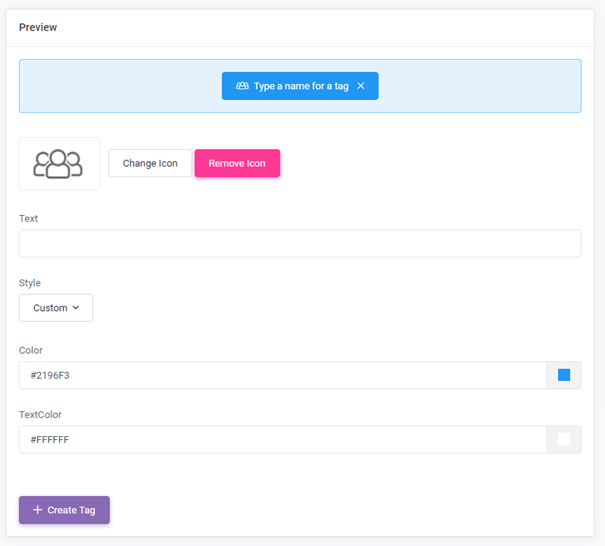
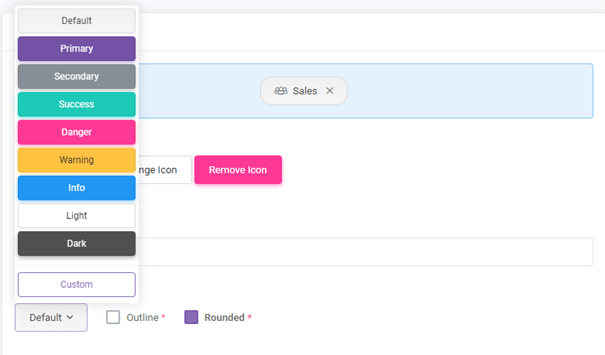
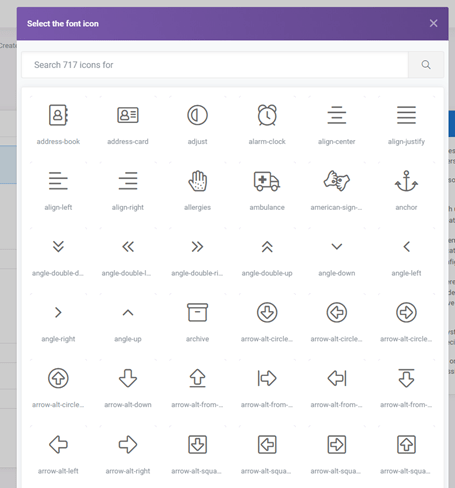
You can also set an icon and change the style for the Tag as well.
When you’re done, click on ‘’Create Tag’’ button. After a tag is created, tags can be assigned to users, applications or saved records.