Lesson 1 of 8
Making a Field Required By Another Field
You can make a UI control required by the value of a Boolean field. A required control can prevent page transitioning and/or save actions.
1 min readYou can make a UI control required by the value of a Boolean field. A required control can prevent page transitioning and/or save actions until the user enters data into this field. The Required field indicates whether the control is required during validation.
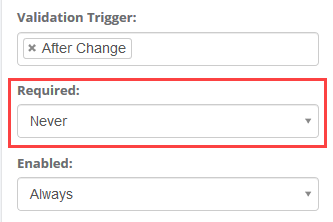
This can be configured as Always or Never to indicate whether the input is statically required or not.
Alternatively, if any Boolean Single Named Ranges (SNR) exist (i.e. ranges pointing to a single cell that evaluates to TRUE or FALSE), then the required-ness of the input can be configured to reflect the value of that named range using the ‘By Value Of’ setting.