Lesson 2 of 8
Hide/Unhide Controls
You can hide or show UI controls based on the outcome of a Boolean named range in your workbook, and create a dynamic UI.
1 min readYou can hide or show UI controls based on the outcome of a Boolean named range in your workbook. This way, you can create a dynamic UI, which will help de-clutter the controls and give your users a better experience. The Visible property indicates whether a control is going to be visible.
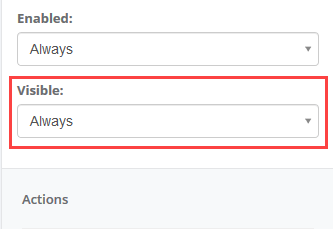
This can be configured as Always or Never to indicate whether the input is statically visible or not.
Alternatively, if any Boolean Single Named Ranges (SNR) exists (i.e. ranges pointing to a single cell that evaluates to TRUE or FALSE), then the visibility of the input can be configured to reflect the value of that named range using the ‘By Value Of’ setting.